When you send or receive a parcel, whether you're an individual or a business, you care about its status from the moment it leaves the origin until it reaches its destination. Tracking is naturally an essential feature for Packlink's users. Despite this, Packlink's tracking was quite basic.
A deficient tracking system
Besides layout, the Packlink tracking system had some inherent issues:
- it didn't answer the main question users have — 'is there anything wrong with my shipment?'
- it didn't alert users when they needed to take action
- the wording of statuses was confusing and full of jargon
- the mapping between carrier statuses and the five Packlink PRO statuses was often wrong — a shipment in transit could be shown as 'delivered'
This added up to one of Packlink's main pain points. If the tracking is unreliable, then when the inevitable shipping issues occur the users are burdened with all the responsibility:
- they have to actively follow the tracking of each of their shipments — especially laborious for merchants with large volumes of packages
- they have to understand what the statuses mean, even if they contain jargon — one Correos status only said: 'alm regulador'
- they have to know what action to take in each situation — which means more tickets to the Customer Support department
Escalating issues
What usually happens is that users are not aware of this responsibility, and when things go wrong it's too late to fix them, so the issues escalate. The Customer Support (CS) department is flooded with tickets about topics that could be easily fixed by a better system.
Losing business
This affects the business and company image. After a client encounters her first issue, she starts being disgruntled with Packlink's service. With every new issue, clients become more frustrated, until eventually the unlucky ones who encountered too many issues stop using the product.
High expectations
Customers have higher expectations about today's services. Merchants are used to the current offering level from other service providers they use: carriers, marketplaces, e-commerce platforms, hotels, transportation, social media. They know Packlink could do better.
Diving into the mess
No one ever said 'shipping is easy', and there's a good reason for that. Tracking is the perfect example of how this industry became the complicated monster it is today. Each carrier has its own tracking system — its own collection of statuses for all possible events. Packlink needs to show the status of a shipment whatever the carrier, but its own tracking system didn't allow much variation.
Enter information architecture
The obvious candidate to solve this mess was Information Architecture methodology. My plan was to build a Packlink Tracking System — a system that would incorporate all the integrated carriers. I had to understand the requirements of over 40 tracking systems, from different types of carriers: domestic (Correos, Poste Italiane), international (TNT, UPS, DHL), drop-off-focused (Mondial Relay).
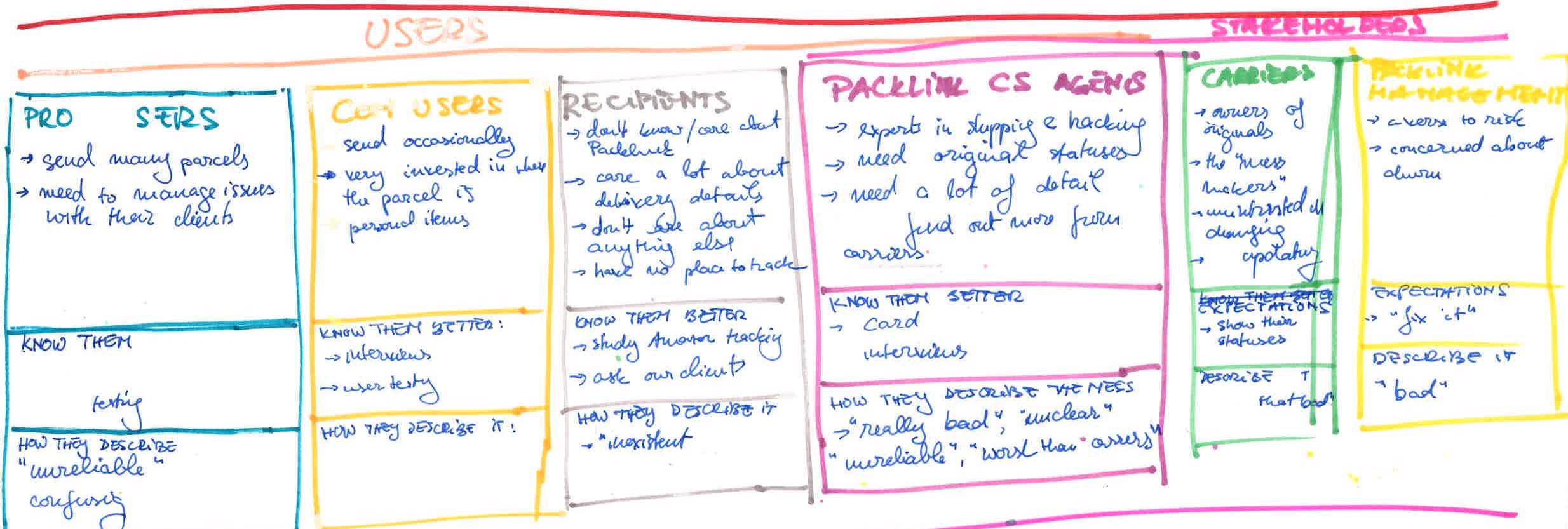
To design a proper system I had to immerse myself in the subject. As I knew little about tracking, I decided to tap into the vast pool of knowledge from inside the company — more than 30 CS agents who deal on a daily basis with issues, tracking, carriers and merchants.
The plan
- Assess the current state by defining the base KPIs
- Learn from experts (CS agents) about different carrier tracking systems through a card sorting study
- Explore different solutions by building an MVP tracking system
- Define the system architecture with back-end devs
- Define a vocabulary for the system, including words 'not to use'
- Verify the MVP with experts — make changes, rewordings, reclassification
- Formulate and translate the statuses into the four languages, with experts from CS
- Test the architecture with real users, with a hybrid card sort online exercise to assess the clarity of the wording and the relevance of the statuses
- Refine the system based on user and expert input
- Prototype the tracking of different shipments inside the platform, using real shipments
- Test the prototype with users in a usability study
As I hadn't built a system before, I got inspiration and guidance from Abby Covert's guide How to Make Sense of Any Mess — easy to read, clear, and one of the best primers in information architecture.
1. Assess the current state by defining the base KPIs
Early on, this project emerged as an immense effort. So to advocate for it to management I decided to speak their language — Key Performance Indicators. Defining KPIs too late was also a mistake I had made before, with the result that I couldn't assess the state of the product before the change.
Project goals
- Reduce the number of Customer Support tickets related to shipments in transit
Insight: about 50% of all CS tickets could be positively affected — collections, deliveries, escalations of issues to carriers, questions about tracking statuses, inquiries about damage or loss, and customs.
KPI: number of CS tickets - Increase customer satisfaction by improving the post-booking shipping experience
Insight: 'up to date tracking' was the second most requested feature in the NPS survey comments.
KPI: NPS score - Simplify and automate internal processes related to shipping issues
Insight: the process for dealing with issues implies many actors taking responsibility and too many exchanges between them (carrier → client → CS agent → client → recipient → client → CS agent → carrier).
KPI: average number of emails needed to solve one issue - Reduce churn
Insight: according to a survey, around 20% of clients who churned did so because the software wasn't reliable enough — both tracking and booking issues.
KPI: churn rate
2. Learn from experts through a card sorting study
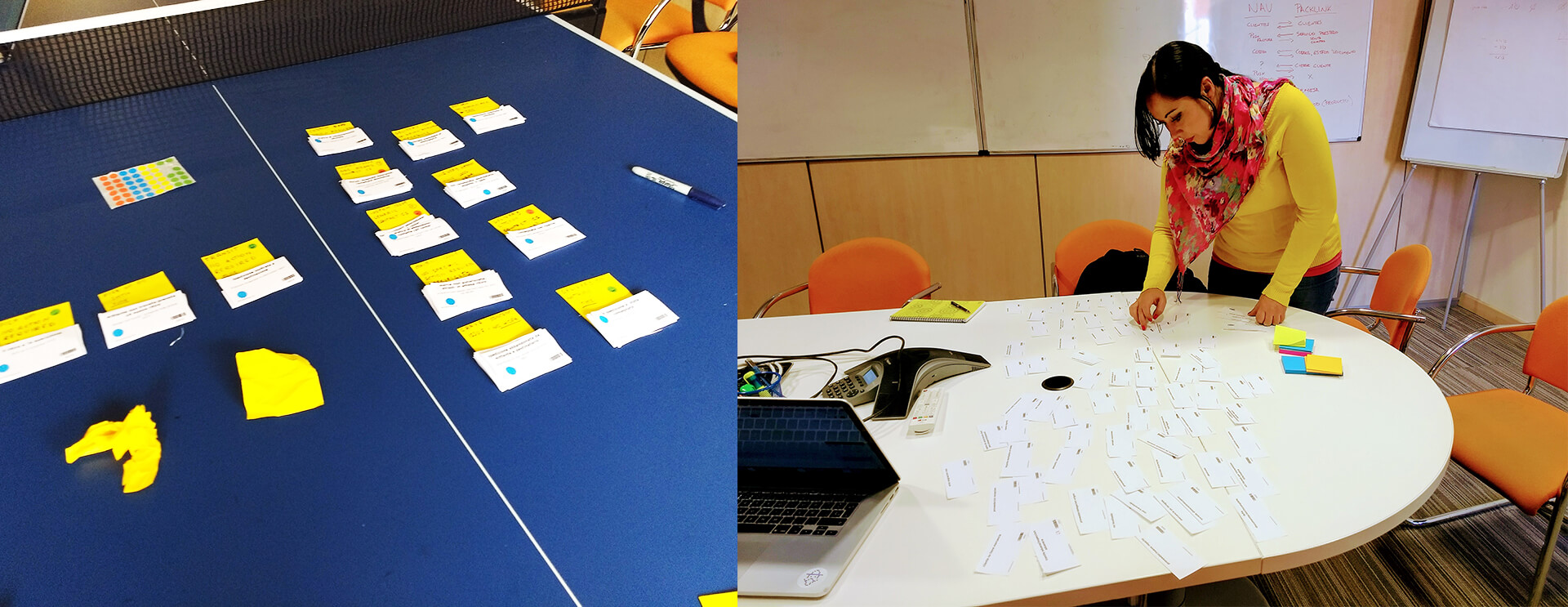
To consider the different types of systems the Packlink tracking system would have to accommodate, I planned multiple open card sorting studies. In each study, participants would sort all the statuses of one carrier as they saw fit. In the end I conducted three:
- 82 of 82 statuses from Correos, with 15 Spanish shipping experts
- 120 of 570 statuses from Poste Italiane, with 9 Italian shipping experts
- 88 of 93 statuses from DPD, with 5 German shipping experts
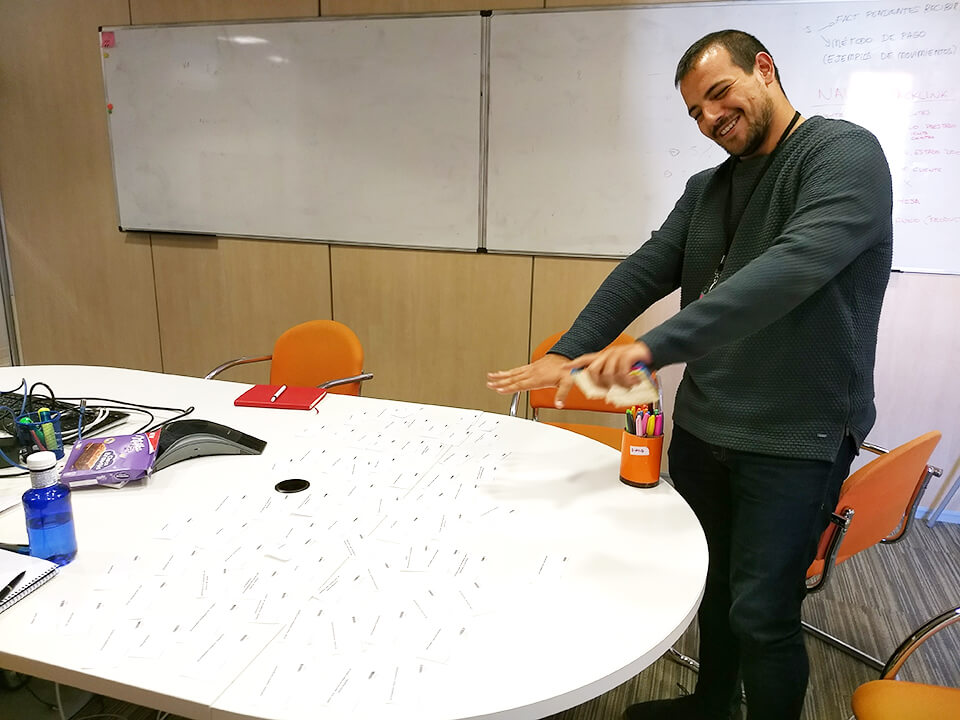
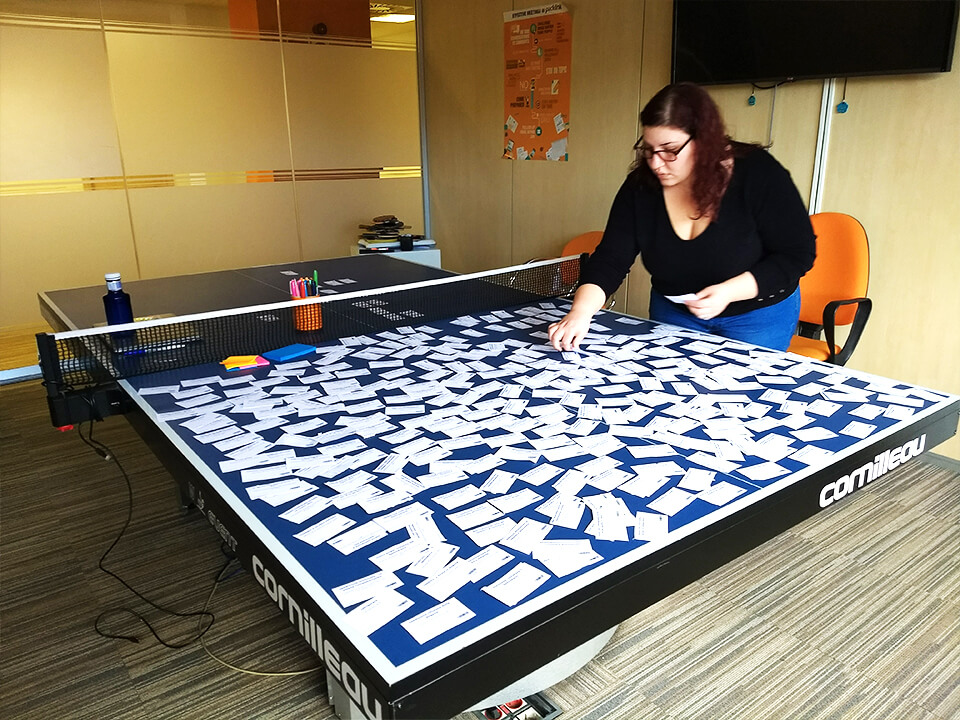
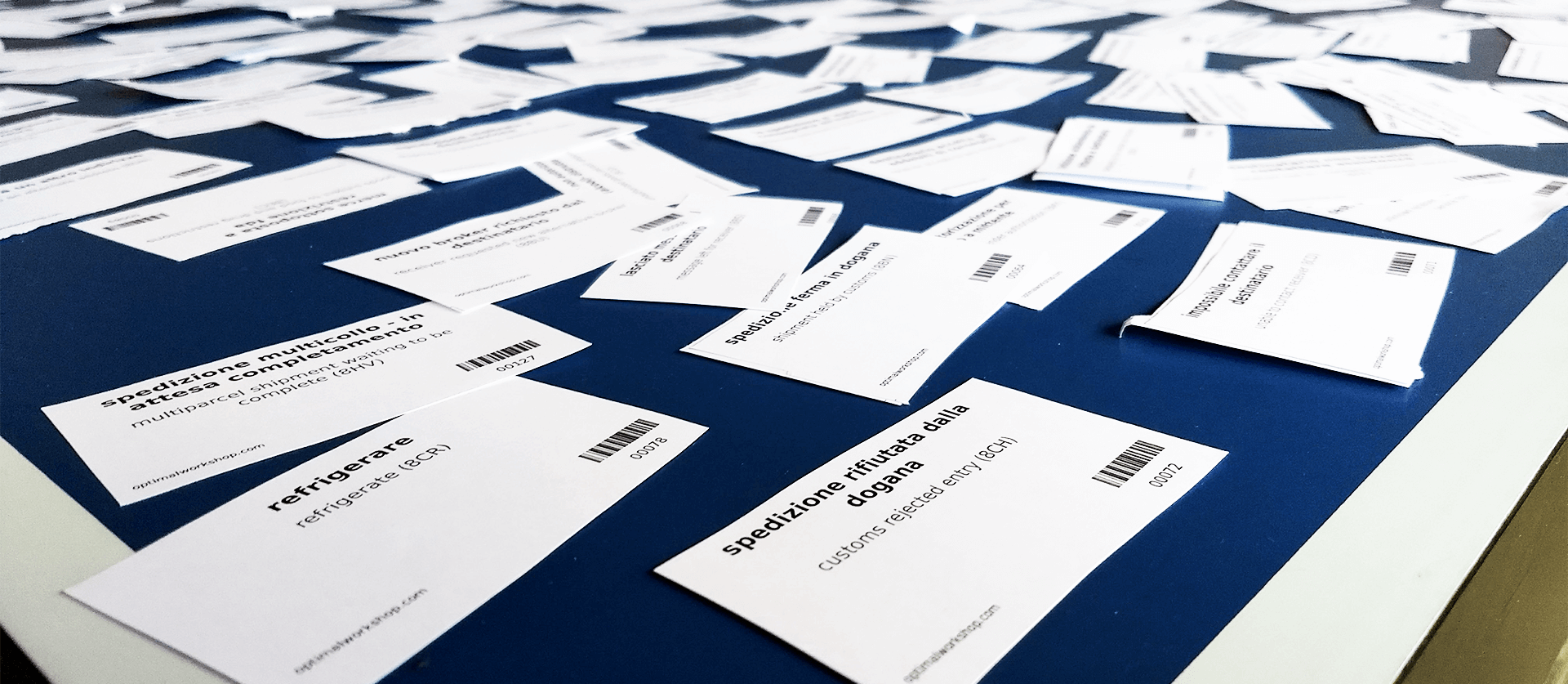
To print the statuses and analyse the data I used the card sorting tool of Optimal Workshop. For the analysis I followed the recommendations of a paper on card sort analysis best practices.
With every participant, I learned something new about the messy world of tracking. It seemed as if carriers themselves never looked back at their statuses to build a coherent structure. One status could mean multiple things, and multiple statuses could describe the same situation.
It all became very interesting when I realised how many ways there were of categorising these statuses. So, to investigate further, I categorised the participants' categorisations — what factors did they consider important to distinguish one category from another?
Besides the obvious factors — shipping process, issue or normal status — three variables stood out as highly significant to the user experience, but often missing from tracking systems:
- whether the status requires an action or not
- if so, who is supposed to take the action (responsibility)
- relevance to the user — some carrier logistics statuses are perfectly normal and not very relevant
That's when I realised the system didn't have to be, as I initially thought, a strict hierarchy, but should be heterarchical. Each status would be defined by several variables.
3. Explore solutions by building an MVP tracking system
While analysing the first card sorting study, I built a first draft of the system. It took a lot of iteration and definition to arrive at a first version of what a status should be like.
This is when I realised the potential impact of this work. It was probably the only classification of tracking statuses built to accommodate multiple carriers, with insights from experts, and with information architecture methodologies. It would be the only tracking system that:
- would have clear descriptions, devoid of jargon
- would clearly indicate the relevance of a status to a sender
- would give clear instructions on what to do next, and who is responsible
A project involving everyone
It came naturally to involve the Customer Support department in this project. They had been advocating for years for a better tracking system. After participating in the card sorting study, the CS agents gained respect for design methods and were excited about the unfolding of the project. They appreciated that someone took their years of expertise into account, instead of going head-first into building something.
I realised the importance of involving my colleagues in my work after the failure of the personas on the Packlink PRO project. So I initiated casual corridor chats about what I was working on and blatantly covered my wall with some of my colourful brainstorm materials.
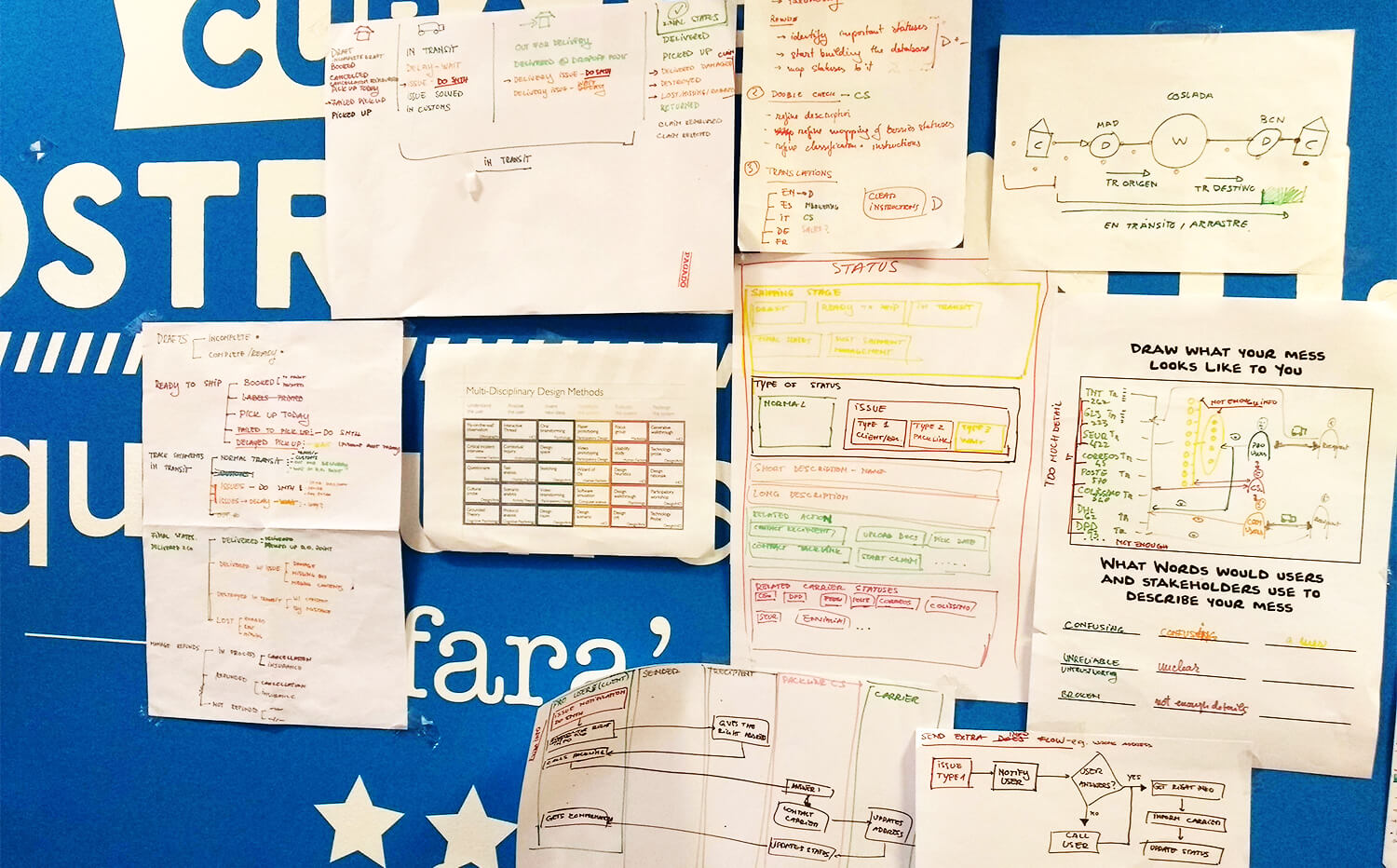
4. Define the system architecture with back-end devs
As I got further into the definition of the system architecture, it was time to involve another vital department — the developers. I started with informal brain pickings, in which I probed whether the structure I was experimenting with would make sense from a technical perspective.
5. Define a vocabulary for the system
The wording was the most vital part of this project. Without proper wording, the tracking system would be the same as any other system. The instructions had to be clear for anyone, be it a shipping expert or a beginner.
To be aware of all the words to use, and especially of which ones we shouldn't, I made an audit of the interface vocabulary.
I realised that inconsistencies about vocabulary pestered the entire company — each department had different definitions. I asked different people how they name the different user types.
The end
Unfortunately, this project came to an abrupt end. Even if it had grass-roots support inside the company, the leadership decided to halt it so they could focus on operations initiatives. At that time I was working on all five of the tasks described above concurrently.
Learnings
Because it is the most massive initiative I've ever taken. It involved an insane amount of work, both done and planned, and it taught me about information architecture, service design, system design, and company internal politics.
I took great pride in this work, and I wanted to see it done, as I could feel it had great potential. But even though the work was never completed, I personally learned valuable lessons:
- how to structure a massive project
- how to gain grass-roots support inside a company
- how to involve multiple departments in a project
- how to own my initiatives
- how to defend my work and argue for my methods
- how to deal with losing an enormous amount of work